
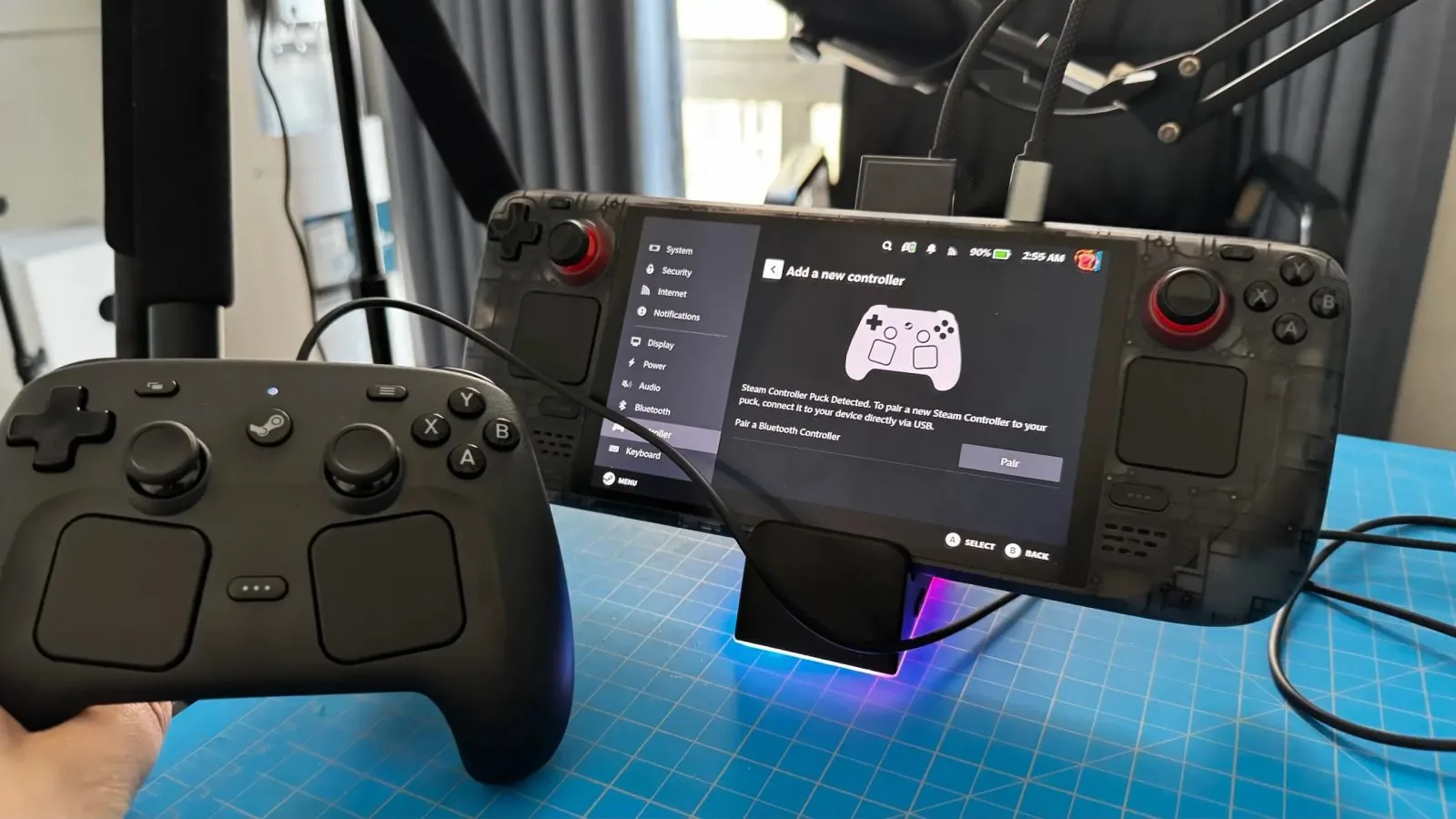
If you've been side-eyeing the new Steam Controller because you weren't sure it'd play nice outside of Steam itself, exhale. The latest SDL update just rolled out expanded native support for Valve's new controller, meaning emulators, indie launchers, and basically anything built on SDL can now talk to it directly — trackpads, gyro, the works. No Steam Input middleman required.
The Skinny
🔥 SDL now natively supports the new Steam Controller without needing Steam running in the background.
🧠 Developers get direct access to gyro, trackpads, rumble, and the full button map through the standard SDL gamepad API.
📺 RetroArch, Dolphin, Cemu, and other SDL-based emulators benefit instantly — no per-app remapping hacks.
🎮 Steam Input still works when Steam IS running, so you get the best of both worlds depending on your setup.
💸 If you already pre-ordered the new Steam Controller, your use cases just multiplied for free.
Why This Update Actually Matters
Here's the problem SDL just solved: the original Steam Controller was infamously a pain outside of Steam. You wanted to use it with a standalone emulator? Cope. You wanted gyro aiming in a non-Steam game? Good luck with third-party drivers and a config file longer than your tax return. Valve's controller magic basically only happened inside Steam's walled garden, and the second you stepped outside, you were back to janky XInput emulation.
The new SDL update — landing in the SDL3 branch with backports planned for SDL2 — changes that completely. SDL now recognizes the new Steam Controller as a first-class device, exposing its full feature set through the standard gamepad API. That means gyro motion data, dual trackpad input, per-side rumble, the paddle buttons on the back, and the new analog triggers all show up to any SDL app the same way an Xbox controller's sticks do.
For developers, this is huge. Before this, supporting Valve's controllers natively meant writing custom HID parsers or just shrugging and saying "use Steam." Now it's literally zero extra work — if your game already uses SDL gamepad input (and most do, including everything built on Unity, Godot, and a chunk of Unreal projects), the Steam Controller just works.
What You Actually Get Out of It
The practical wins here stack up fast, especially if you're someone who lives outside the Steam client more than inside it.
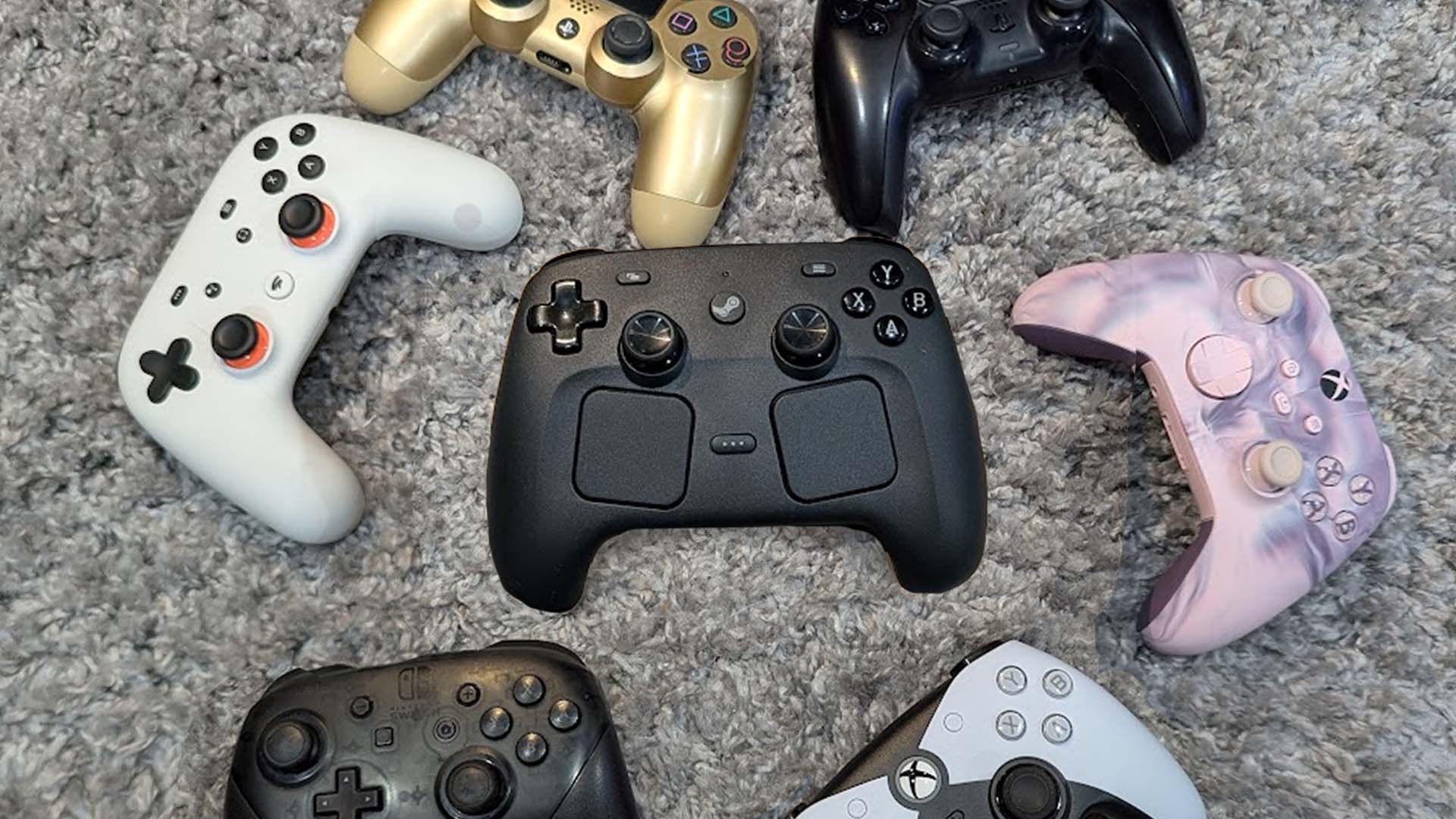
Emulator users eating good: RetroArch, Dolphin, Cemu, Ryujinx, PCSX2 — anything SDL-based gets gyro aim and trackpad mouse emulation natively, no Steam overlay required.
Linux desktop users: The controller now works as a proper input device across the whole OS, not just inside specific apps. Useful if you're running Bazzite, CachyOS, or any Steam Deck-adjacent distro.
Handheld PC owners: ROG Ally X, Legion Go S, MSI Claw owners can now pair the Steam Controller and get full functionality outside of Steam — including in Xbox Game Pass titles via the Xbox app.
Game devs: One API, full feature parity. No more "we support Steam Input only" disclaimers in your README.
This is the kind of unsexy infrastructure update that quietly makes everything better for years. SDL is the input backbone of a huge swath of PC and Linux gaming, and Valve contributing the support upstream means it propagates everywhere automatically.
The Steam Deck Angle
Steam Deck users specifically have a weird relationship with this. On Deck, you're basically always in Steam, so Steam Input already handles everything. But the moment you boot into desktop mode, or use a non-Steam launcher like Heroic or Lutris, the gaps showed up — and that's exactly where SDL's native support fills in.
Desktop mode gyro just works now in supported apps.
Non-Steam launcher games get full controller support without Steam Input wrappers.
Dual-booting into Bazzite or Windows? Same controller, same features, no reconfiguration.
How It Stacks Up Against the Competition
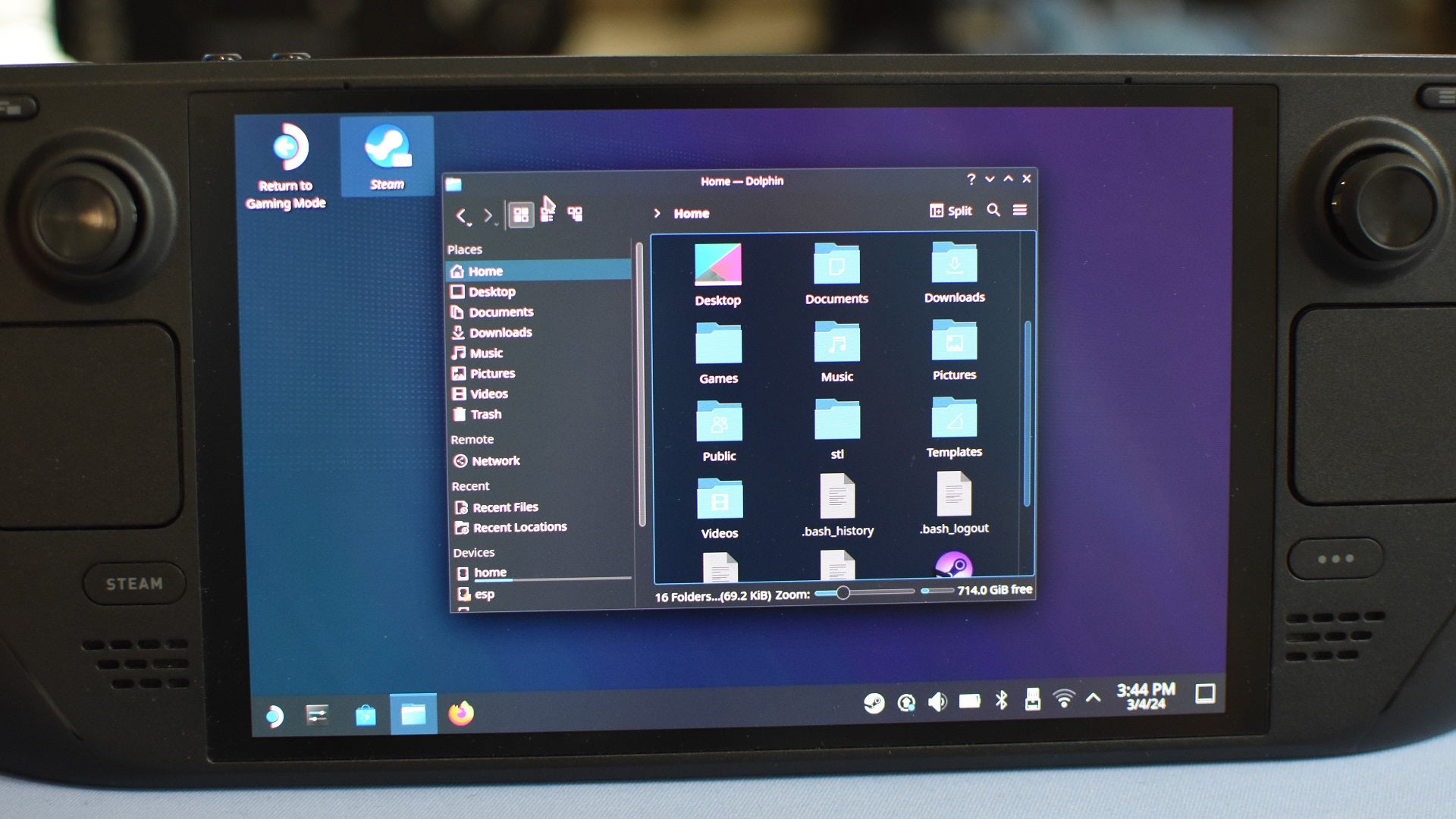
Real talk: the controller market in 2026 is stacked. The DualSense Edge is still the king of premium feel, the Xbox Elite Series 2 is the workhorse for paddle-button enjoyers, and the 8BitDo Ultimate 2C is somehow priced like a sandwich while delivering Hall effect sticks.
The new Steam Controller doesn't try to beat them at their game. It plays a different one — trackpads + gyro + paddles for people who want desktop-grade precision on a couch, or who play strategy games, MMOs, and shooters that benefit from mouse-like aim. With this SDL update, that niche just got way more livable, because you're no longer locked into Steam to use the thing properly.
If you mostly play AAA console-style games with a stick-and-trigger control scheme, get a DualSense Edge or an Elite Series 2. If you want one controller that does literally everything — including weird stuff like Civilization, Total War, or Path of Exile on the couch — the new Steam Controller is now the most flexible option on the market, full stop.
🛒 Top Picks
Three controllers worth your money in 2026, depending on what you actually play.
🥇 Best Overall: Valve Steam Controller (2026) — Trackpads, gyro, paddles, and now universal SDL support.
AMAZON: Valve Steam Controller (2026) — $89
🥈 Runner-Up: Xbox Elite Series 2 — Paddles, premium build, works flawlessly on Xbox and PC.
AMAZON: Xbox Elite Series 2 — $179
🥉 Best Value: 8BitDo Ultimate 2C — Hall effect sticks, wireless, priced like a takeout order.
AMAZON: 8BitDo Ultimate 2C — $29
The Quiet W Valve Just Pulled Off
This is the kind of update that doesn't trend on Twitter but actually moves the needle. By pushing native Steam Controller support into SDL itself, Valve just made their hardware viable everywhere — Linux, Windows, emulators, indie launchers, handheld PCs. If you've been on the fence about the new controller, the fence just got shorter. Grab one, plug it into whatever you play on, and let it work.


0 Comments
No comments yet.