
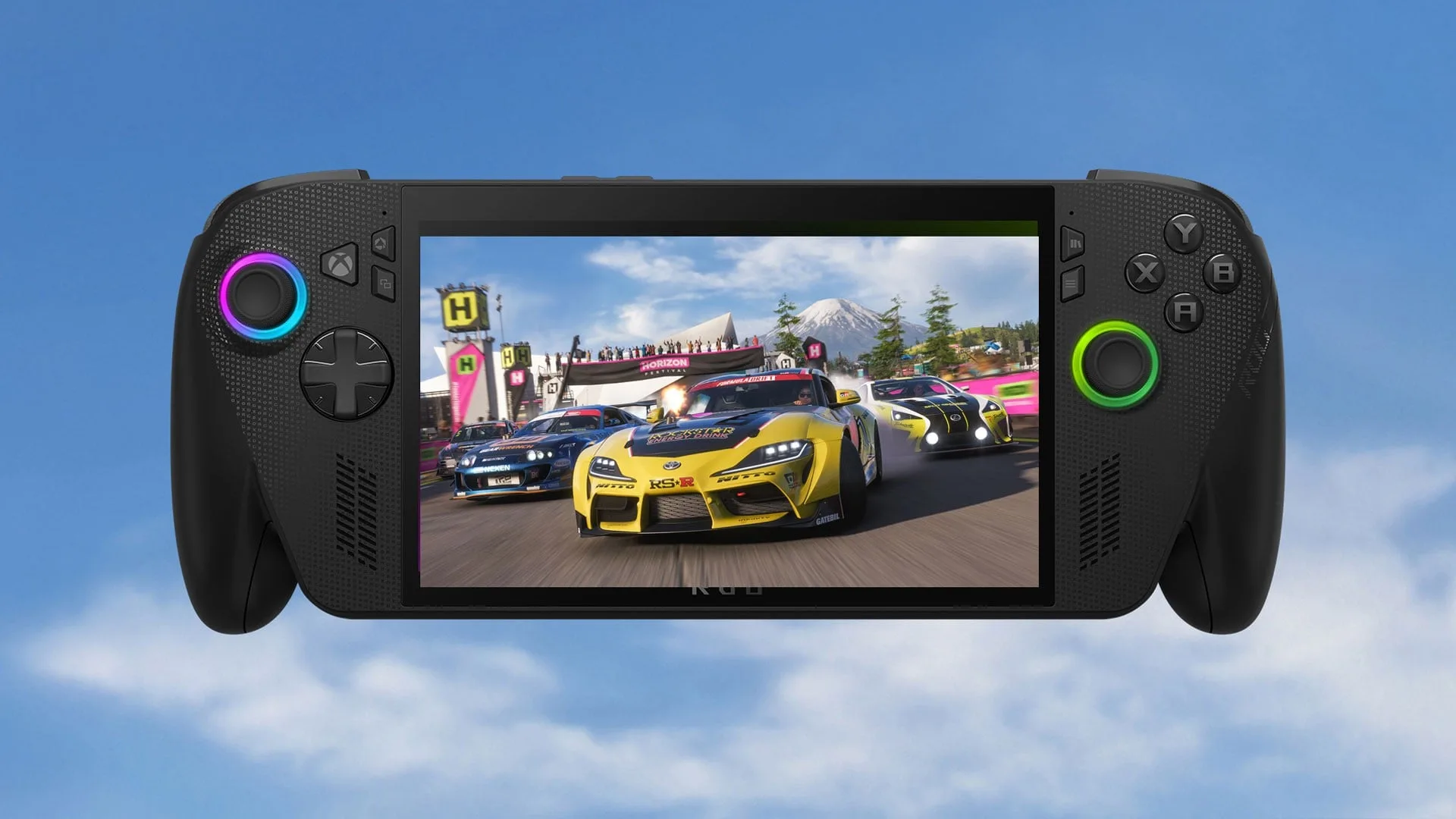
🔥 The ROG Xbox Ally X just received its most significant update yet — Auto SR AI upscaling, five docking upgrades, haptics, Bluetooth LE Audio, and a unified game library, all at once, for free
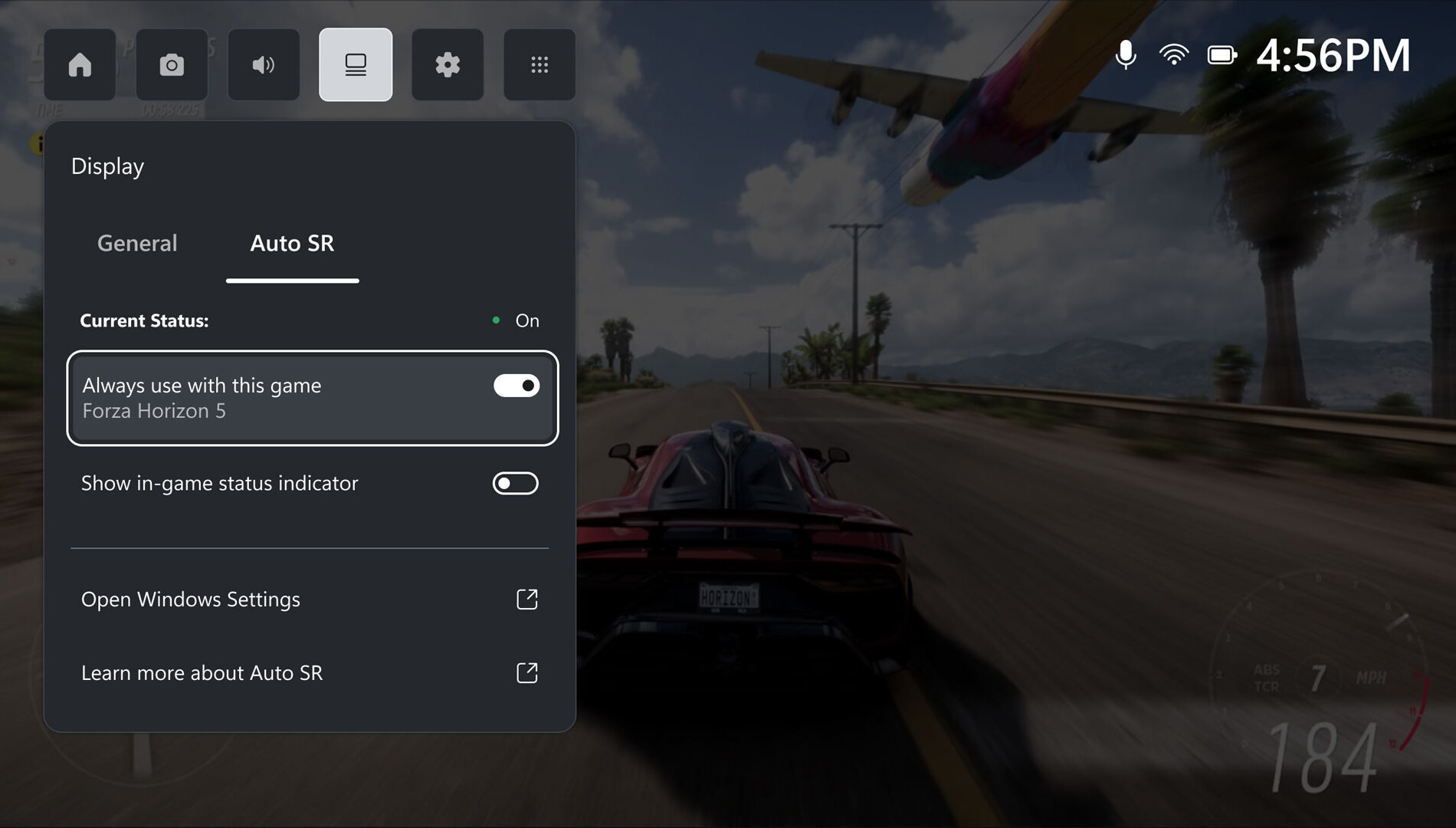
🧠 Auto SR uses the Ally X’s NPU to push 1440p-equivalent visuals when docked — in testing, Forza Horizon 5 went from 1080p High to Ultra settings with 30% more frames
Thanks for reading Pixel Buys | Finding things YOU LOVE is our job! Subscribe for free to receive new posts and support my work.
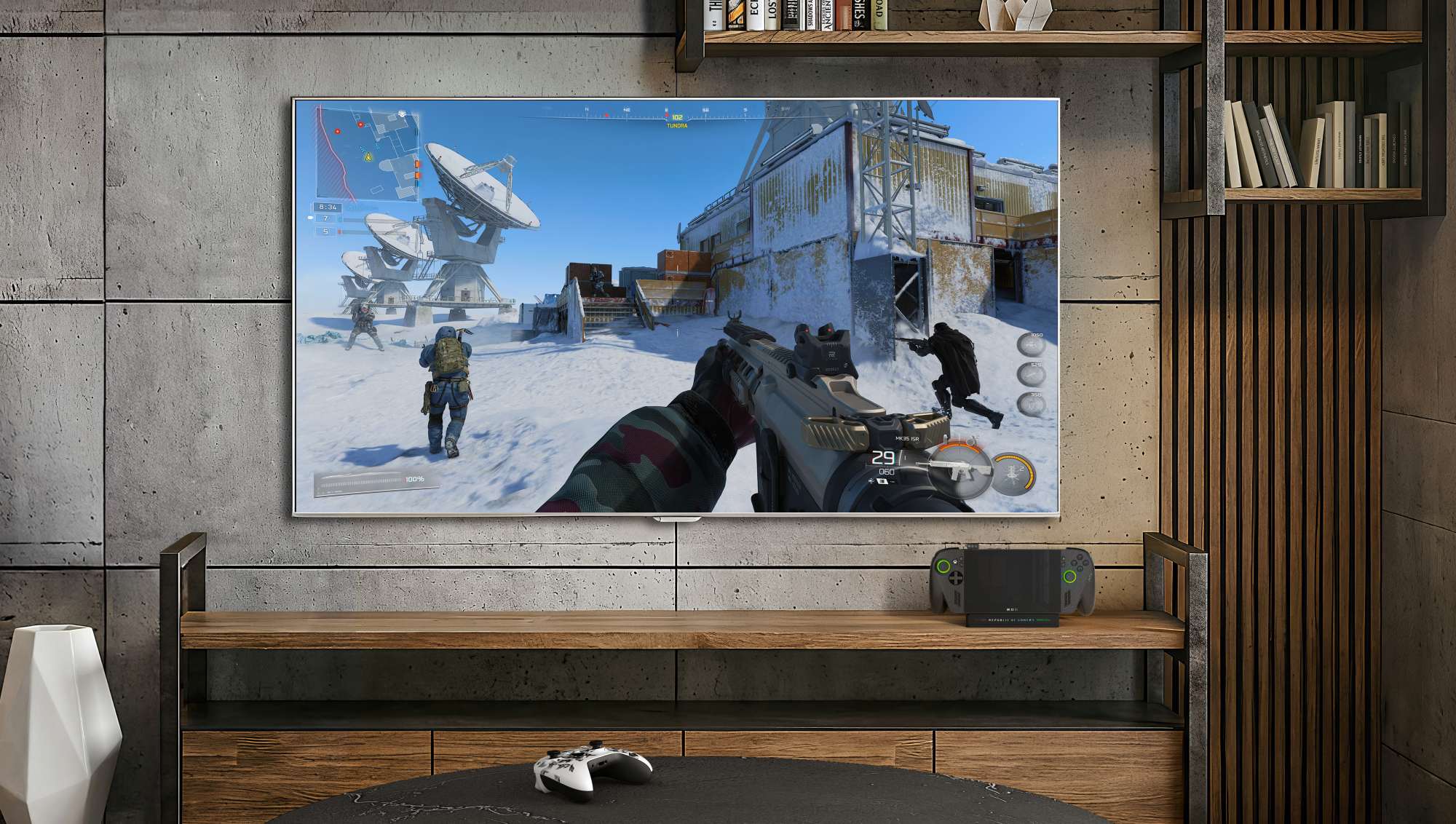
📺 Five docking upgrades: auto TV input switching, ALLM game mode support for Samsung/LG/Vizio, a Game Bar display widget, improved controller pairing, and a gamepad cursor for couch play
🎮 A unified game library now pulls Xbox, Steam, Epic, GOG, and more into one view — finally fixing Windows handheld gaming’s biggest UX pain point
💸 It’s all free — and it makes the ROG Xbox Ally X the most capable handheld gaming PC you can buy right now
Best Buy: ROG Xbox Ally X — $999
If you’ve been sleeping on the ROG Xbox Ally X, the April 2026 update is the wake-up call. Microsoft and ASUS just dropped one of the most significant software updates any handheld gaming PC has ever received — AI upscaling, five major docking improvements, enhanced haptics, Bluetooth LE Audio, and a unified game library. All at once. For free.
This is what the Ally X was always supposed to be.
Auto SR: AI Upscaling That Actually Works on a Handheld
The headline feature is Xbox Auto Super Resolution — Auto SR — and it’s a bigger deal than it sounds.
Here’s the problem Auto SR solves: the ROG Xbox Ally X is a portable PC with a 1080p display. When you dock it to your TV, you want 4K or at least 1440p-level quality. But most games weren’t designed to upscale cleanly at handheld GPU wattages. The result? Soft, blurry output that looks worse than it should.
Auto SR runs on the Ally X’s NPU — the dedicated neural processing unit that’s been sitting mostly unused until now. Instead of taxing the GPU to brute-force higher resolutions, it uses AI to reconstruct detail that the GPU doesn’t have to render. The output targets 1440p-equivalent detail when docked, pulling it off without killing your frame rate.
The numbers from the Xbox team make this concrete. In Forza Horizon 5 running at 1080p High settings at 60fps, Auto SR let them crank settings to Ultra while pushing 30% more frames at 1440p-equivalent output. That’s not a marginal improvement — that’s a different tier of experience.
Auto SR is currently in preview for Xbox Insiders on Ally X only. It doesn’t require any changes from developers — it works across your existing library automatically.
 Xbox Wire
Five Docking Upgrades That Make the Ally X a Real Living Room Machine
The rest of the update fills in gaps that have been annoying Ally X dock users since launch.
Auto TV Input Switch. When you dock the Ally X, your TV now switches to the correct HDMI input automatically. No remote needed.
ALLM Support for Smart TVs. The update adds Auto Low Latency Mode for Samsung, LG, and Vizio TVs. When you plug in and start gaming, your TV automatically drops into game mode. Input lag goes down without touching a setting.
Display Widget in Game Bar. You can now adjust resolution, refresh rate, and display settings from the Xbox Game Bar overlay — no more digging through Windows settings mid-session.
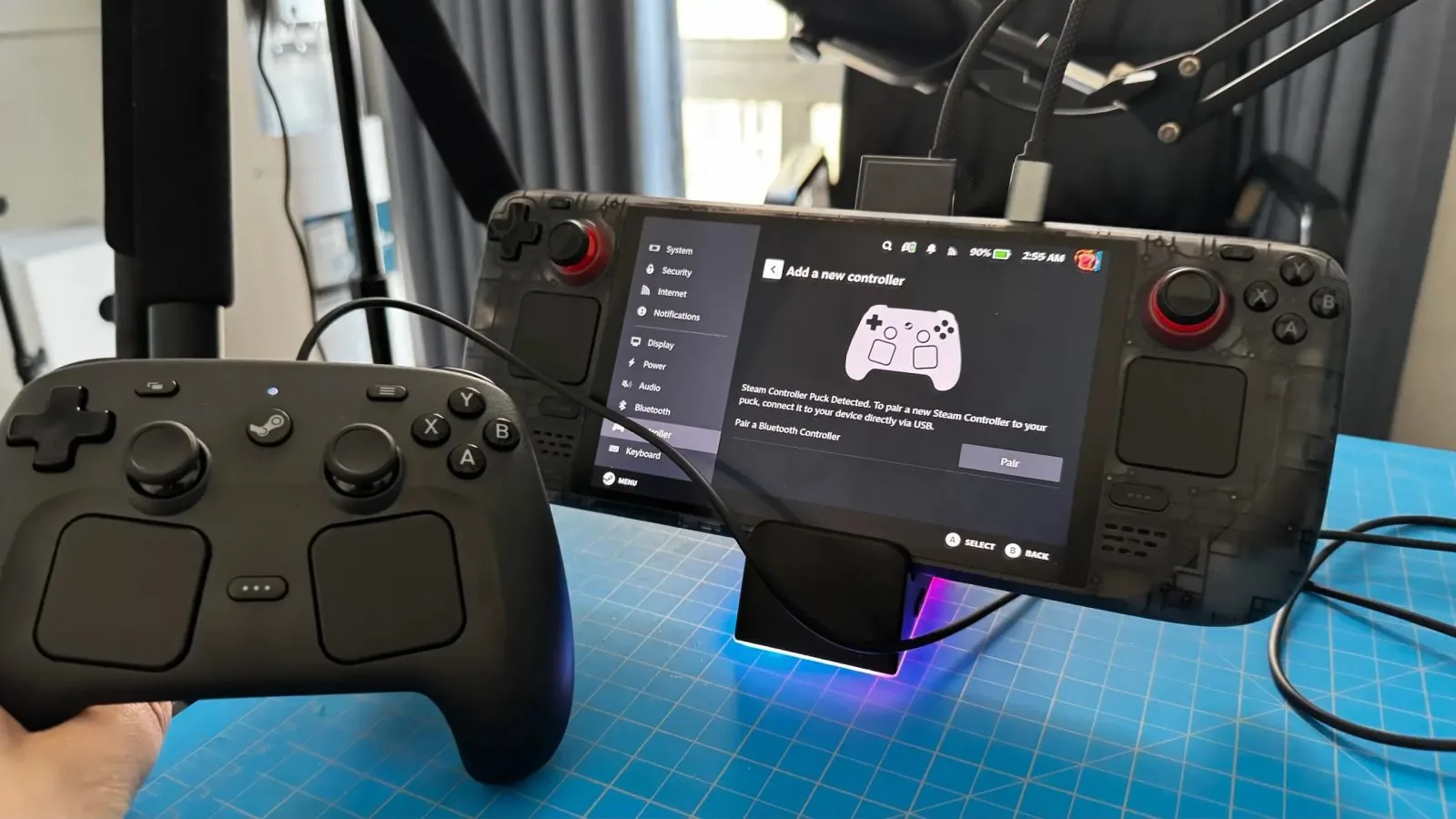
Improved Controller Pairing. The Ally X’s controller now pairs faster and more reliably when docking. If you’ve had to reconnect your gamepad every time you plugged in, this one’s for you.
Gamepad Cursor. Navigate your desktop and Xbox interface with the left stick. Sounds small. It’s not — if you play from the couch with the Ally X docked, you know how annoying it is to need a mouse.
Together, these five changes close the gap between handheld gaming PC and a proper living room console setup. The Ally X docked was already capable. Now it’s convenient.
 ASUS ROG
Everything Else in the Update
Beyond Auto SR and docking, the April 2026 update also includes:
Enhanced haptics via Armory Crate (opt-in, adjustable intensity)
Bluetooth LE Audio support for lower-latency wireless audio
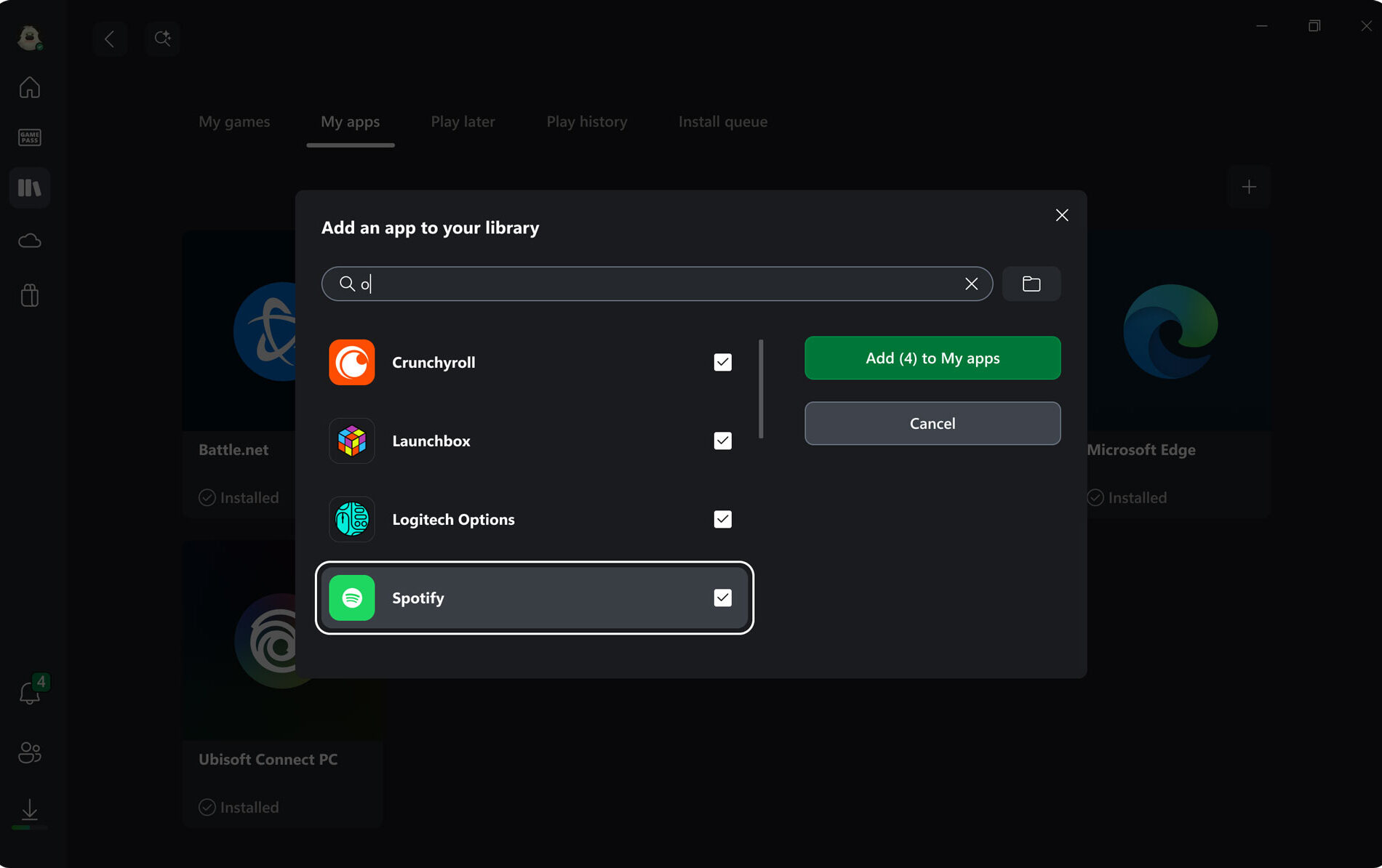
Unified game library that pulls your titles across Xbox, Steam, Epic, GOG, and more into a single view — no more launcher-hopping to find what you own
That last one has been a pain point for handheld PC gaming in general. The Steam Deck solved it by locking you into one launcher. Windows-based handhelds have always had the raw power but the fragmented experience. The unified library is a real quality-of-life fix.
 Xbox Wire
The Bigger Picture: Xbox Is Going All In on Hardware
None of this happens by accident. Under Asha Sharma — Xbox’s CEO who took over from Phil Spencer — the company has made its position clear: Xbox isn’t just a console anymore. It’s your phone, your laptop, and your TV. Hardware is a core pillar now, alongside content, experience, and services.
The ROG Xbox Ally X is a product of that shift. So is Project Helix, Xbox’s next-gen platform, and the multi-year silicon partnership with AMD that’s powering both. Microsoft isn’t treating PC gaming as a side business to the Xbox Series X anymore. The Ally X is the Xbox.
The April 2026 update is what a company that’s serious about handheld gaming ships. Not a single feature — a platform push.
How It Stacks Up Against the Steam Deck OLED in 2026
The Steam Deck OLED is still one of the best gaming handhelds ever made. $549, a gorgeous 7.4” OLED display at 90Hz, and SteamOS — which remains the most polished handheld operating system on the market. If you play exclusively from Steam and want the smoothest out-of-box experience, the Deck is still the pick.
The ROG Xbox Ally X plays a different game. $999, significantly more raw GPU/CPU horsepower, and a Windows foundation that gives you access to everything — Game Pass, Steam, Epic, Xbox, emulators, mods, all of it. The tradeoff used to be that Windows felt clunky on a handheld. The unified library and Game Bar improvements are actively fixing that.
Auto SR is the real differentiator now. The Steam Deck doesn’t have a dedicated NPU for AI upscaling. When you dock the Ally X and run Auto SR, you’re in a different category than anything Valve currently ships.
If budget is the deciding factor, the Deck wins. If you want the ceiling of what handheld gaming can do in 2026, the Ally X — especially after this update — is the answer.
Best Buy: ROG Xbox Ally X — $999
The Right Accessories to Unlock the Docked Experience
The ROG Xbox Ally X dock setup is only as good as what you plug it into. If you’re running it through a USB-C hub you grabbed off the shelf two years ago, you’re leaving a lot on the table.
For a compact everyday dock: The JSAUX 6-in-1 Docking Station (HB0609) was specifically designed for the Ally X’s port placement — it has a longer USB-C cable to reach the Ally X’s top-mounted port cleanly. You get HDMI 2.1 for 4K@120Hz, Gigabit Ethernet, USB-C PD up to 100W, and three USB-A/C ports. Under $50 and works across Steam Deck, Legion Go, and any USB-C device.
👉 JSAUX 6-in-1 Docking Station for ROG Ally X on Amazon →
For a premium permanent desk setup: The ROG Bulwark Dock (DG300) is ASUS’s official 7-in-1 dock — HDMI 2.1 up to 4K@144Hz or 8K@30Hz, 100W USB-C PD, Gigabit Ethernet, and full ROG ecosystem compatibility. It’s $139.99 and built to be the Ally X’s permanent home on your desk or entertainment center.
👉 ROG Bulwark Dock (DG300) on Amazon →
Either way, if you’re taking the docked experience seriously after this update — and you should be — the right dock makes the difference.
The ROG Xbox Ally X Is Finally Firing on All Cylinders
When the ROG Xbox Ally X launched last October at $999, the hardware was there. The software wasn’t. A powerful machine that still felt like a high-end PC jammed into a handheld, running a desktop OS that wasn’t ready for couch gaming.
The April 2026 update changes that. Auto SR turns the docked Ally X into something that competes with dedicated consoles on picture quality. The five docking upgrades make plug-and-play actually mean something. And the unified game library finally gives Windows handheld gaming the launcher experience it needed.
If you own an Ally X, update it. If you’ve been on the fence, now’s the time to get serious.
Best Buy: ROG Xbox Ally X — $999
Image credits: Xbox / Pure Xbox
Thanks for reading Pixel Buys | Finding things YOU LOVE is our job! Subscribe for free to receive new posts and support my work.

0 Comments
No comments yet.